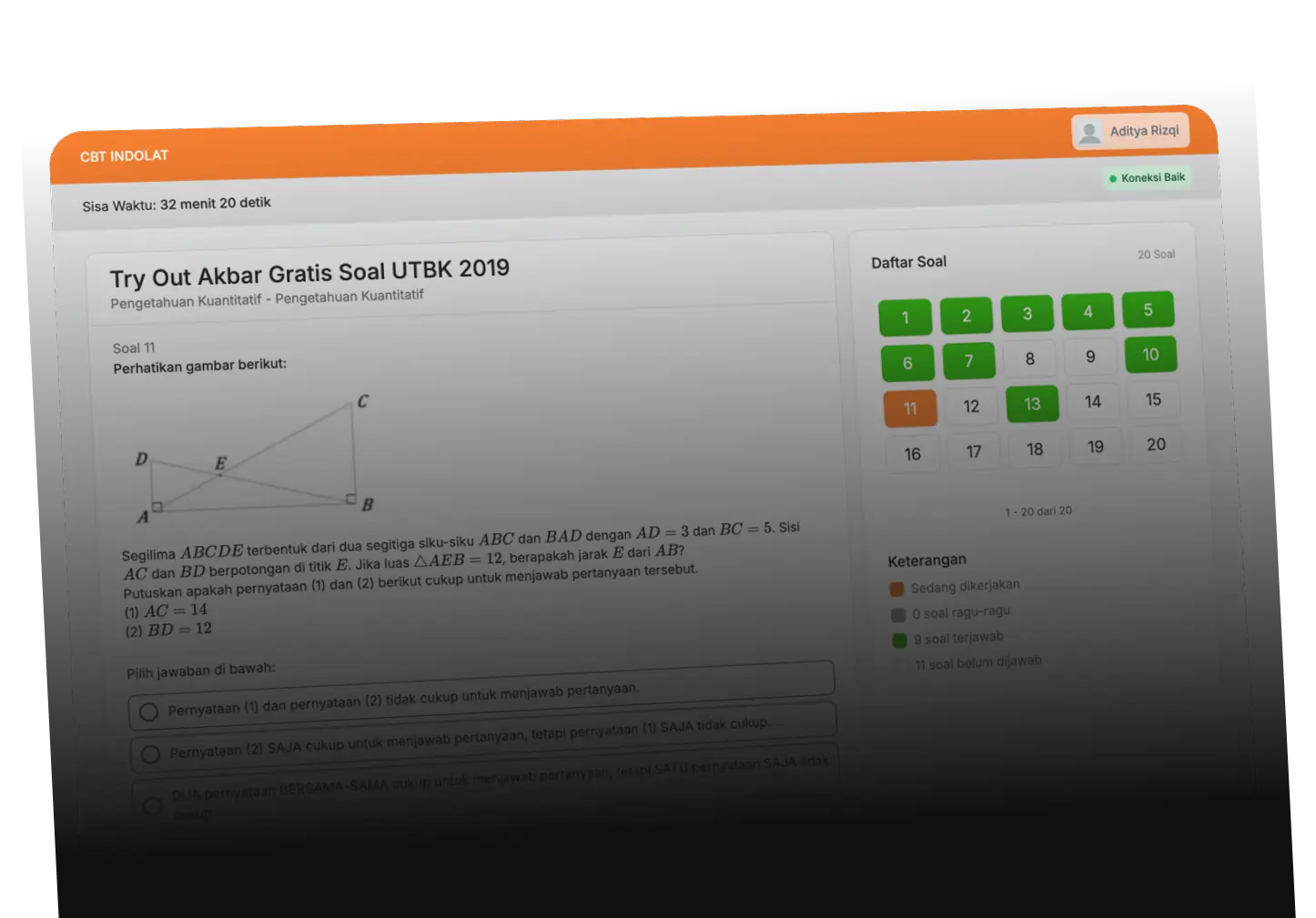



Computer Based Test (CBT)
Automatic certificate
Create and Share Certificates Automatically
Manage digital certificate creation in one platform. Set the template, adjust the brand identity, then share the certificate to all participants automatically after meeting the criteria.
WORKFLOW
How to Create Automatic Certificate
Set the basic information, select the certificate design, then let the system generate and distribute the certificate automatically to qualified participants.
- 1
Connect the certificate to the exam or event, then set the template name, certificate number format, and publication status.
- 2
Use the default template or customize the color, logo, and visual identity to match your institution's brand.
- 3
View the results of the certificate in real-time before being published and used for all participants.

1. Settings
Enable automation
Active
2. Brand design
Color & Visual Identity Brand
3. Publish
Advantages
What can Automatic Certificates do?

Template
03
Professional Certificate Template
Choose a ready-made template or create a design that matches your institution's identity.
Participant Data
Name
Mind
Value
95
Award Certificate
given to
[
participant name
]
Organizer
Value
Automatic Data Placeholder
Participants' names, grades, dates, certificate numbers, and other information will be filled in automatically using the exam data.
Customization
White-label
Main color
#
FF6200
Upload Logo
Logo
Certificate
given to
Signature
Flexible Branding
Customize logos, colors, signatures, and visual elements to make the certificate look professional.
certificate preview

Proudly given to:
graduation certificate
National Examination 2025
No. Certificate
SERT/2025/001/0042
Date
14 Jul 2025
Automatic Distribution
Automatically distribute certificates to participants who pass without manual processing.
Price
Start Free, Upgrade As per Your Needs
FAQ
Frequently Asked
What happens after the validity period of my paid package expires?
After the paid package validity period (e.g. essential for 30 days) expires, your account will automatically return to the free plan forever. You can still use the platform at no cost, it's just that the features and capacity will adjust to the limitations on the free plan. If you want to continue using the extra features, you can upgrade again at any time.
Can Indolat CBT be used on mobile phones, laptops, or computers?
Yes, examinees can take exams via cellphone, laptop or computer.
Is there a specific device specification for participants?
There are no special specifications for the exam device, but examinees are required to use a browser Google Chrome, Chromium, Microsoft Edge, or Safari when taking the CBT exam.
Can I determine the exam session for each participant with a different package of questions?
Yes, you can specify an exam session for each participant with a different package of questions.
What if I need technical assistance?
Our technical support team is ready to help you. Create a ticket or contact us via email for help. For users of certain packages, live chat support is also available for faster response.
Can I apply for a refund for a package that has been purchased?
Purchased packages cannot be refunded Under any circumstances. However, specifically for enterprise package users, the terms of refund and compensation can be set via special agreement mutually agreed upon before use of the Service.
Can I use this platform for free without paying anything?
Yes, of course you can. You only need to register an account and will automatically get access to the free plan forever without any fees. With this package, you can immediately use the platform to organize exams, selections, or learning needs without any hidden fees. If at any time you need features extra or larger capacity, you can easily upgrade to a paid plan as needed.